

Create a Singapore Passport Photo Online
Make a Singapore passport photo or IC photo from your phone. Check the crop, background and passport photo requirements before downloading a digital file.
4.9/5
Customer satisfaction
100%
Compliance guarantee
200+
passport, IC & visa photo formats
Trusted coverage from leading media
How to Make a Singapore Passport Photo Online
Use the online passport photo maker to prepare a Singapore passport photo, IC photo or visa photo with guided sizing, crop and background checks.
Take or upload your ID photo
Take an ID photo with your phone or upload a clear portrait to start your Singapore passport photo.
Resize to Singapore photo requirements
The passport size photo maker adjusts the crop, head position and background for the document you select.
Download your digital passport photo
Review the result, then download a digital passport photo for online submission or local printing in Singapore.
How to Make a Singapore Passport Photo Online
Use the online passport photo maker to prepare a Singapore passport photo, IC photo or visa photo with guided sizing, crop and background checks.
Take or upload your ID photo
Take an ID photo with your phone or upload a clear portrait to start your Singapore passport photo.
Resize to Singapore photo requirements
The passport size photo maker adjusts the crop, head position and background for the document you select.
Download your digital passport photo
Review the result, then download a digital passport photo for online submission or local printing in Singapore.
Why Use AnyIdPhoto for a Singapore Passport Photo
Create a Singapore passport photo, IC photo or visa photo online from your phone, then download a digital or print-ready file.
Singapore photo requirement checks
The maker checks the crop, head position, lighting and background for the Singapore passport or IC photo format you choose.
Passport size photo from your phone
Upload a phone portrait and turn it into a passport size photo with automatic crop and background adjustment.
Download or print your ID photo
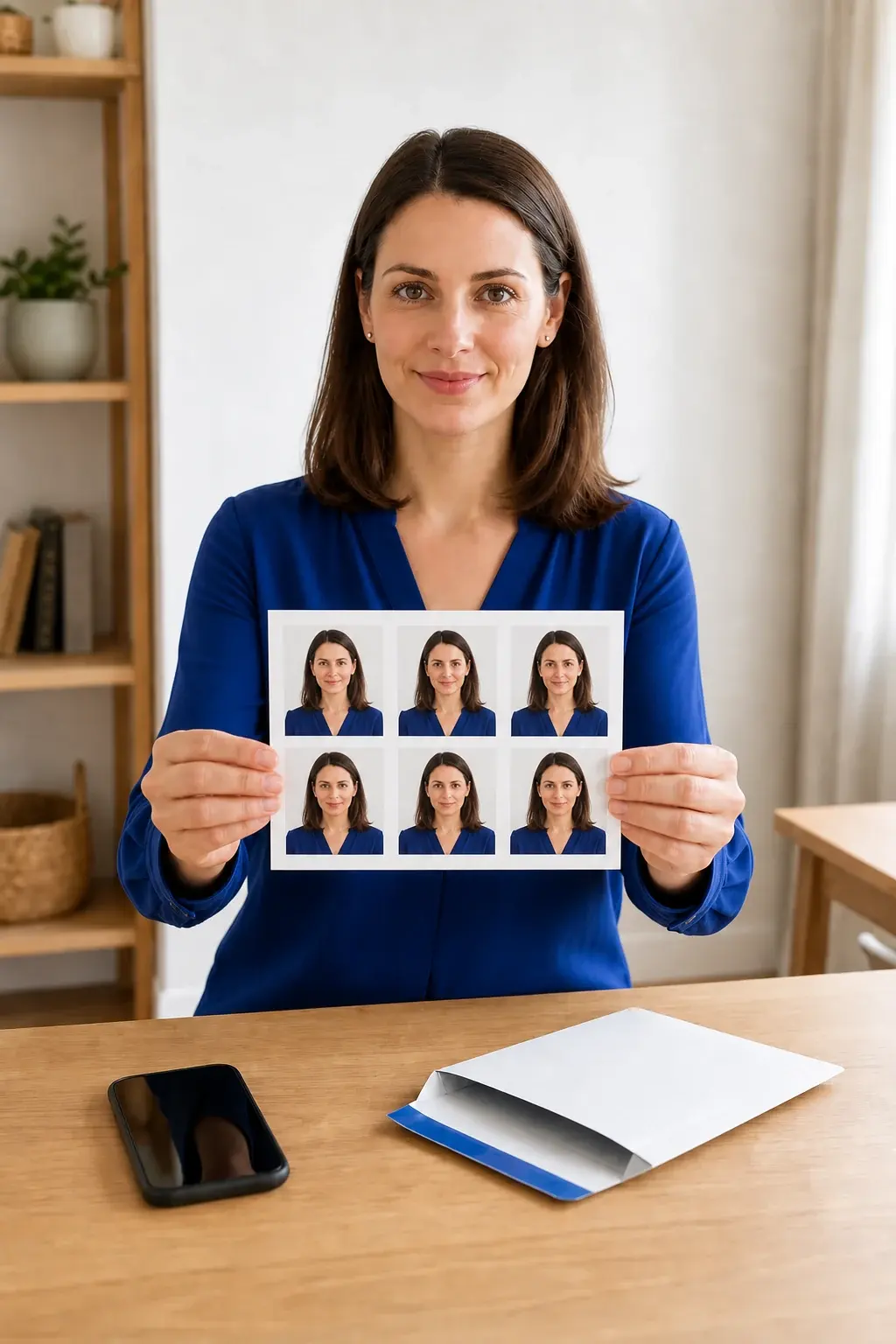
Save a digital ID photo for online submission or download a print-ready layout for a local photo shop or printer.
Background and crop adjustment
The online passport photo maker cleans the background and adjusts the crop for the selected document format.
Why Use AnyIdPhoto for a Singapore Passport Photo
Create a Singapore passport photo, IC photo or visa photo online from your phone, then download a digital or print-ready file.
Singapore photo requirement checks
The maker checks the crop, head position, lighting and background for the Singapore passport or IC photo format you choose.
Passport size photo from your phone
Upload a phone portrait and turn it into a passport size photo with automatic crop and background adjustment.
Download or print your ID photo
Save a digital ID photo for online submission or download a print-ready layout for a local photo shop or printer.
Background and crop adjustment
The online passport photo maker cleans the background and adjusts the crop for the selected document format.
Make Singapore Passport and IC Photos at Home
Use an online passport size photo maker for Singapore passport, IC and visa photo formats, with digital download and print-ready options.
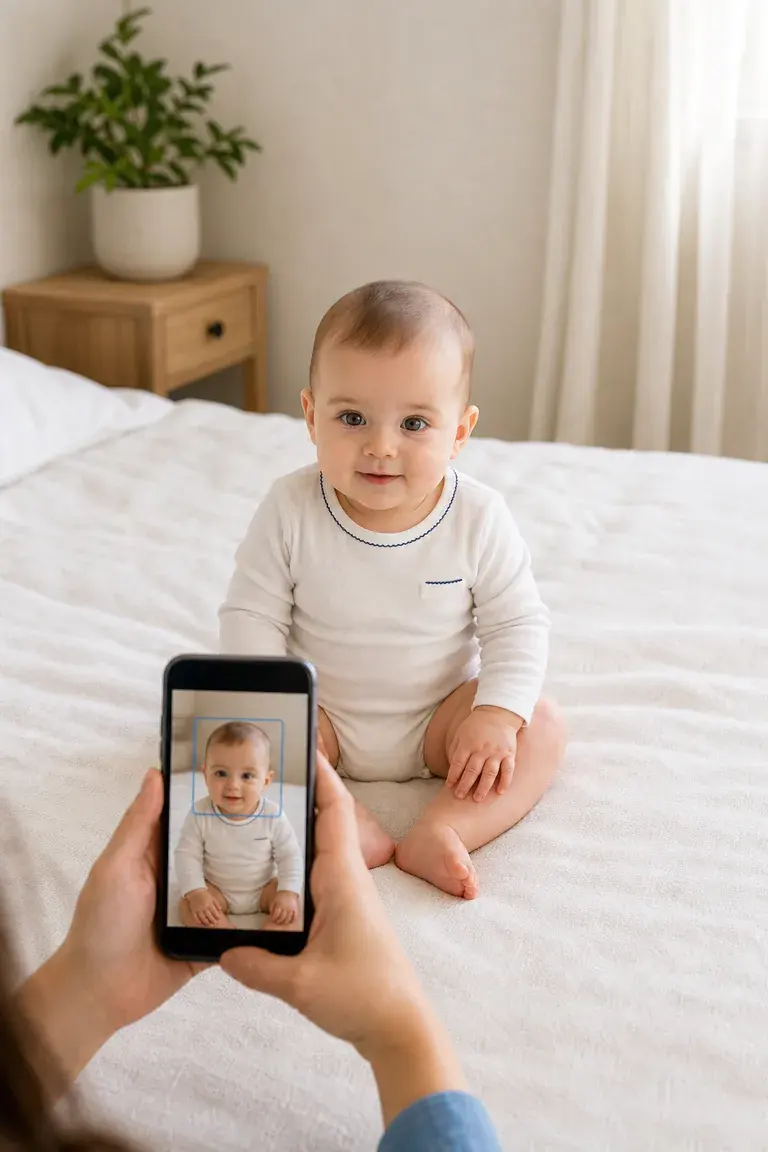
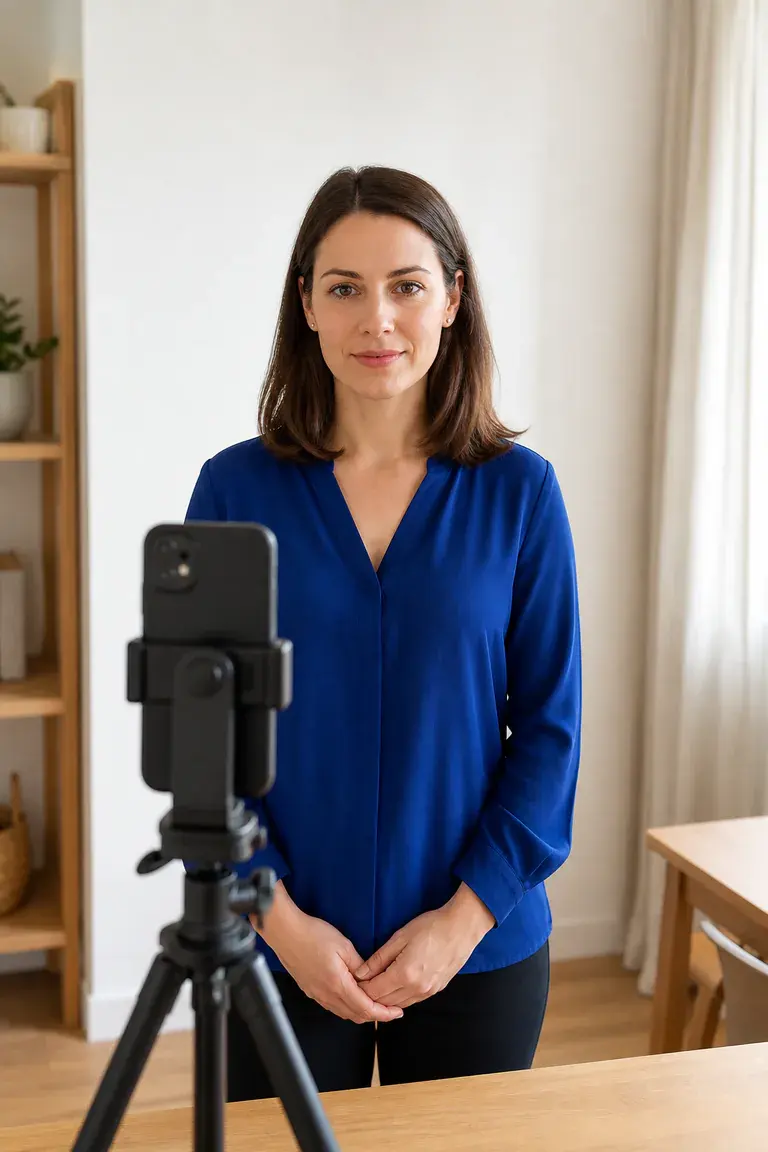
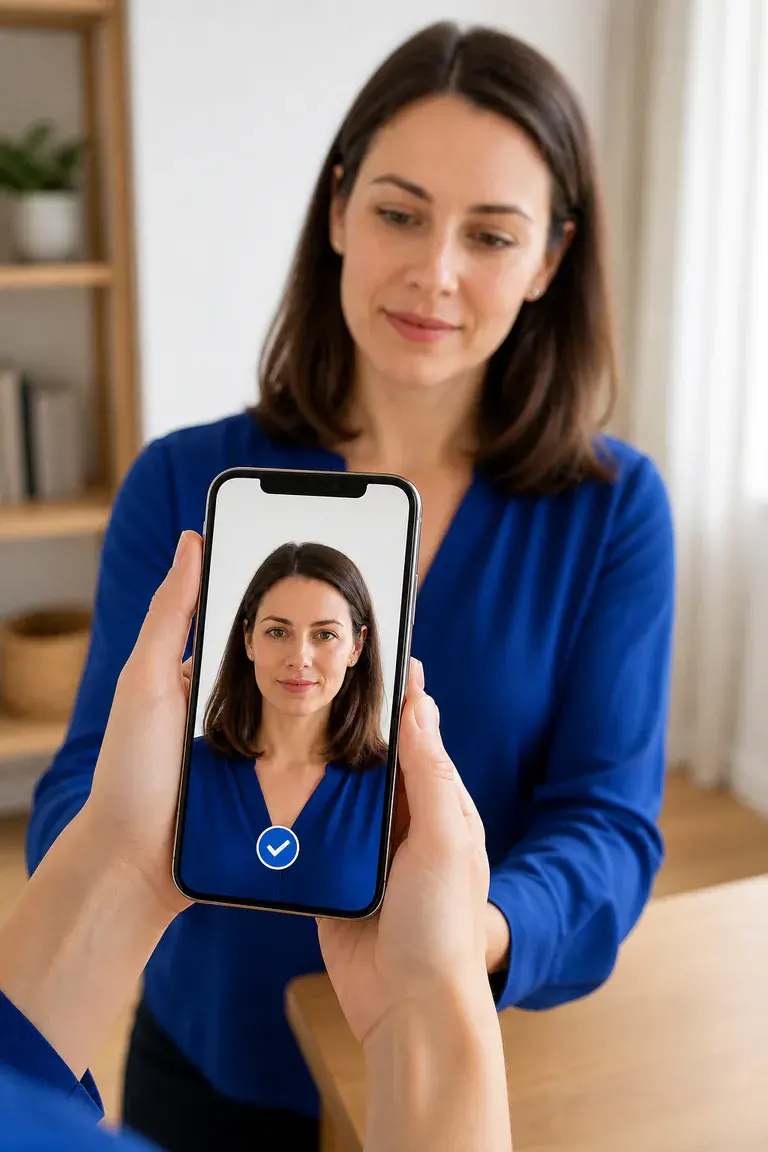
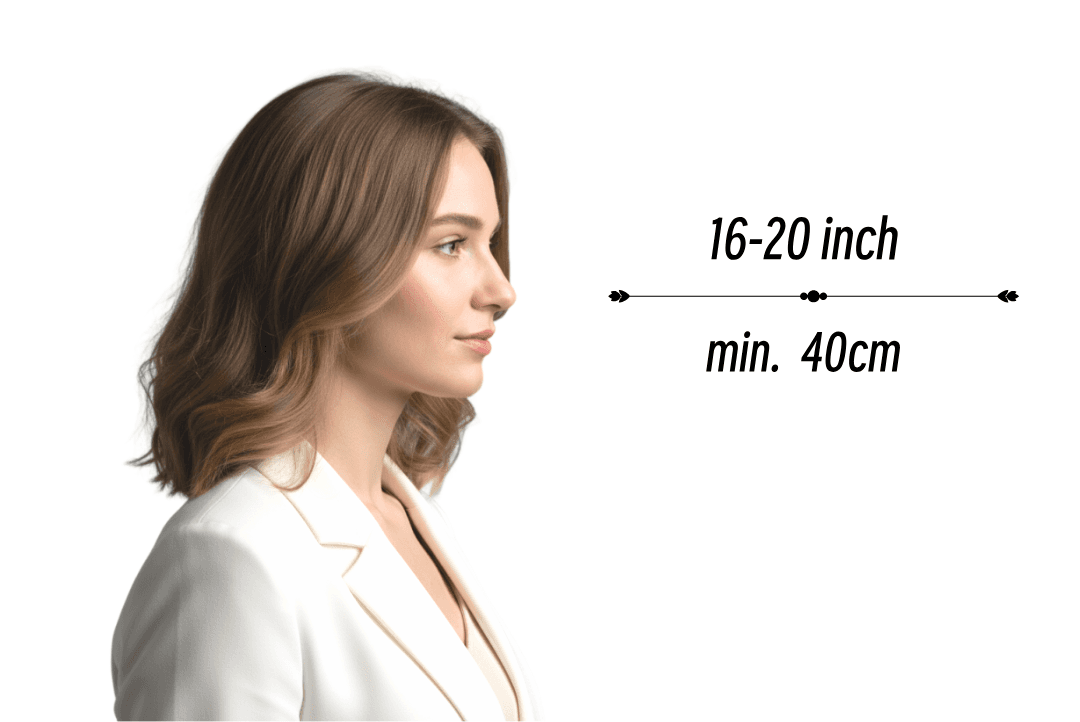
Keep the camera at eye level
Hold the phone steady at eye level, leave space around your head and shoulders, and avoid portrait mode before the passport photo crop is applied.
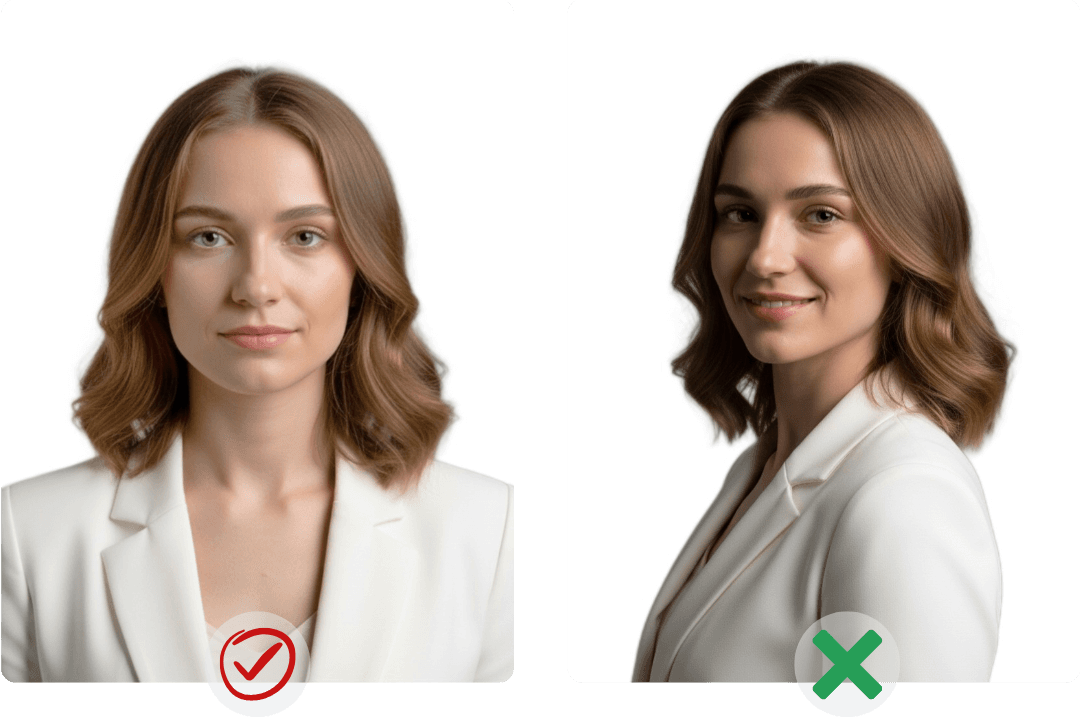
Face forward with a neutral expression
Look directly at the camera, keep your head straight and use a natural expression so the Singapore passport or IC photo can be checked correctly.
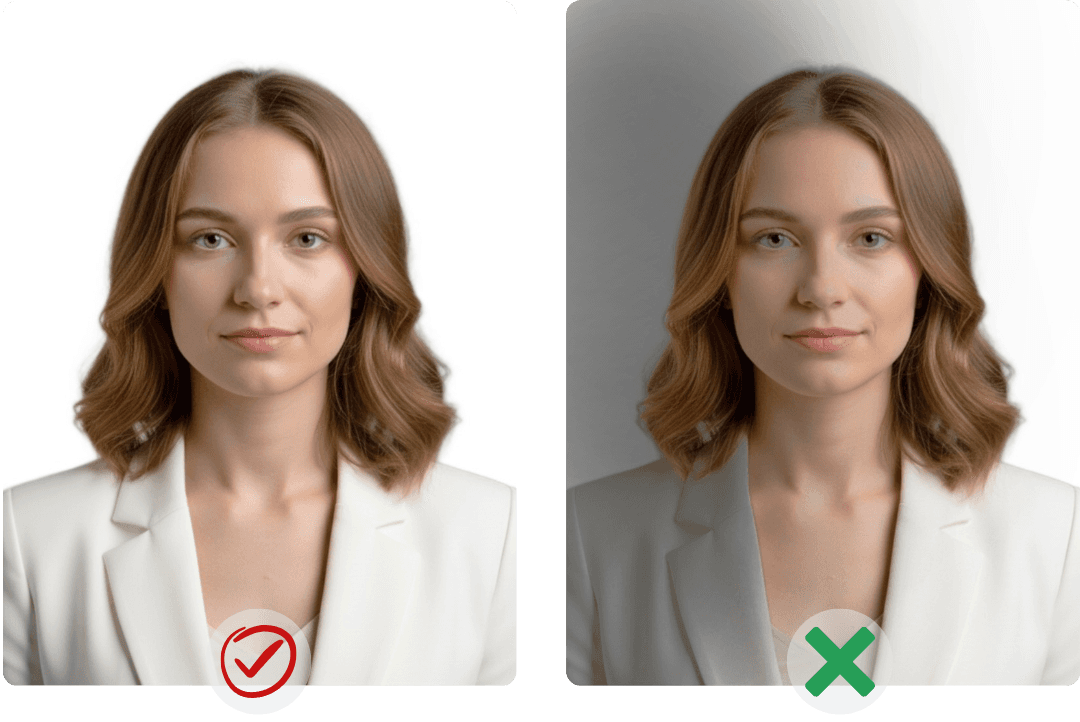
Use even light and a plain background
Face a soft light source and avoid shadows or glare. A clear, plain background gives the passport photo maker a better image to process.
Singapore passport photo requirements
How to Take a Passport or IC Photo at Home
Use your phone to capture a clear Singapore ID photo
Used for Passport and ID Photos Online
Experiences from people using the passport photo maker for digital passport, ID and visa photo files.
"AnyIdPhoto answered 'passport photo is what size' instantly—every passport photo size, passport photo dimensions, and passport photo 2x2 template sits in one place, plus the passport photo generator let me export a passport photo digital file straight from their passport photo online studio."
"Instead of googling 'passport photo near me' or 'where passport photo taken,' I prep at home and print at passport photo locations near me—UPS, USPS, even a late-night passport photo machine—with one file covering both my Miami shoots and NYC renewal."
"The passport photo maker bundles passport photo guidelines, instructions, lighting tips, and glossy vs matte advice, then runs a passport photo quality check so every passport photo US submission meets the strict passport photo requirements USA."
"The passport photo app turned 'passport photo for infant' stress into a quick passport photo diy on iPhone; I previewed a passport photo for free, fixed passport photo glasses glare, smoothed passport photo bangs, and finished before nap time."
Singapore Passport Photo Requirements & FAQ
Answers about Singapore passport photo size, IC photo requirements, online creation, digital downloads and printing.

Where can I get a passport photo or IC photo in Singapore?
Use AnyIdPhoto as an online alternative to a passport photo booth. Take or upload a portrait at home, create the Singapore passport or IC photo online, then download the digital file for submission or local printing.

What size is a Singapore passport photo or IC photo?
Choose the Singapore passport or IC photo format in the maker. It applies the saved dimensions, crop and head-position guidance for that document, while you should still check the latest instructions for your application before submitting.

Can I make an infant passport photo or an IC photo with glasses?
Yes. Take several clear photos and choose the best one before processing. Keep the face visible, reduce glare on glasses and use even lighting so the passport or IC photo can be cropped and checked clearly.

How do I take a passport photo with my phone?
Stand in even light, hold the phone at eye level and keep space around your head and shoulders. Upload the image to the passport photo maker, select the Singapore document format and review the crop before downloading.

Can I create and edit a passport photo online?
Yes. Upload a portrait to create a passport photo online. The maker adjusts the size, crop and background, lets you review the result and then provides the finished digital file after purchase.

Can I download and print a passport size photo in Singapore?
Download the digital passport photo for online use or save the print-ready layout. You can print the layout with a suitable home printer or take the file to a local photo shop or self-service kiosk in Singapore.

What Singapore passport photo requirements does the tool check?
The tool checks the image crop, head position, lighting and background against the selected Singapore passport photo format. Review the latest ICA application instructions as well, because official requirements can change.

What background, lighting and expression should I use for an ID photo?
Use a clear plain background, even front lighting and a natural expression. Keep your head straight, avoid heavy shadows or glare and make sure your full face is visible before uploading the ID photo.
Singapore Passport Photo Requirements & FAQ
Answers about Singapore passport photo size, IC photo requirements, online creation, digital downloads and printing.
Where can I get a passport photo or IC photo in Singapore?
Use AnyIdPhoto as an online alternative to a passport photo booth. Take or upload a portrait at home, create the Singapore passport or IC photo online, then download the digital file for submission or local printing.
What size is a Singapore passport photo or IC photo?
Choose the Singapore passport or IC photo format in the maker. It applies the saved dimensions, crop and head-position guidance for that document, while you should still check the latest instructions for your application before submitting.
Can I make an infant passport photo or an IC photo with glasses?
Yes. Take several clear photos and choose the best one before processing. Keep the face visible, reduce glare on glasses and use even lighting so the passport or IC photo can be cropped and checked clearly.
How do I take a passport photo with my phone?
Stand in even light, hold the phone at eye level and keep space around your head and shoulders. Upload the image to the passport photo maker, select the Singapore document format and review the crop before downloading.
Can I create and edit a passport photo online?
Yes. Upload a portrait to create a passport photo online. The maker adjusts the size, crop and background, lets you review the result and then provides the finished digital file after purchase.
Can I download and print a passport size photo in Singapore?
Download the digital passport photo for online use or save the print-ready layout. You can print the layout with a suitable home printer or take the file to a local photo shop or self-service kiosk in Singapore.
What Singapore passport photo requirements does the tool check?
The tool checks the image crop, head position, lighting and background against the selected Singapore passport photo format. Review the latest ICA application instructions as well, because official requirements can change.
What background, lighting and expression should I use for an ID photo?
Use a clear plain background, even front lighting and a natural expression. Keep your head straight, avoid heavy shadows or glare and make sure your full face is visible before uploading the ID photo.
Create Your Singapore Passport or IC Photo Online
Upload a phone photo and use the passport photo maker to adjust the size, crop and background before downloading your digital ID photo.
Create Your Singapore Passport or IC Photo Online
Upload a phone photo and use the passport photo maker to adjust the size, crop and background before downloading your digital ID photo.