

UK Passport Photo Requirements and Online Photo Guide
Check UK passport photo size, digital rules and how to take an original photo at home. Keep UK application photos unedited; use AnyIdPhoto for other supported passport, visa and ID formats.
4.9/5
Customer satisfaction
100%
Compliance guarantee
200+
passport & ID formats
Trusted coverage from leading media
How to Take a Passport Photo at Home
Follow these steps for an original digital passport photo for a UK online application. GOV.UK requires a recent, clear and unedited image; AnyIdPhoto prepares other supported passport, visa and ID formats.
Take or upload an original passport photo
Use a phone or digital camera, stand against a plain light-coloured background and keep the image free from filters or portrait-mode effects.
Check UK passport photo requirements
Check face visibility, even lighting, open eyes and a neutral expression. Do not crop, retouch or change the background for a UK online passport application.
Use the right route for your document
Submit the original image through the official UK passport service. For other supported documents, choose the required format and download a digital or print-ready photo.
How to Take a Passport Photo at Home
Follow these steps for an original digital passport photo for a UK online application. GOV.UK requires a recent, clear and unedited image; AnyIdPhoto prepares other supported passport, visa and ID formats.
Take or upload an original passport photo
Use a phone or digital camera, stand against a plain light-coloured background and keep the image free from filters or portrait-mode effects.
Check UK passport photo requirements
Check face visibility, even lighting, open eyes and a neutral expression. Do not crop, retouch or change the background for a UK online passport application.
Use the right route for your document
Submit the original image through the official UK passport service. For other supported documents, choose the required format and download a digital or print-ready photo.
UK Passport Photo Guide for Online and Printed Applications
Compare UK passport photo size, digital rules, home capture and local printing before choosing the right application route.
UK passport photo requirements
Check the current rules for expression, lighting, background, glasses, head coverings and image editing before applying.
Digital passport photo
Take a clear original image for the UK online service and let the official application handle the final crop.
Passport photo near me alternative
Take your UK online application photo at home, or compare local passport photo booth and retailer services when you need printed photos.
Passport photo online for supported formats
Choose a supported passport, visa or ID format when automated crop, size and background tools are permitted by the issuing authority.
UK Passport Photo Guide for Online and Printed Applications
Compare UK passport photo size, digital rules, home capture and local printing before choosing the right application route.
UK passport photo requirements
Check the current rules for expression, lighting, background, glasses, head coverings and image editing before applying.
Digital passport photo
Take a clear original image for the UK online service and let the official application handle the final crop.
Passport photo near me alternative
Take your UK online application photo at home, or compare local passport photo booth and retailer services when you need printed photos.
Passport photo online for supported formats
Choose a supported passport, visa or ID format when automated crop, size and background tools are permitted by the issuing authority.
British Passport Photo Guidance and Supported ID Formats
Start with the official UK passport photo requirements, then use AnyIdPhoto for passport, visa and ID formats that support digital preparation.
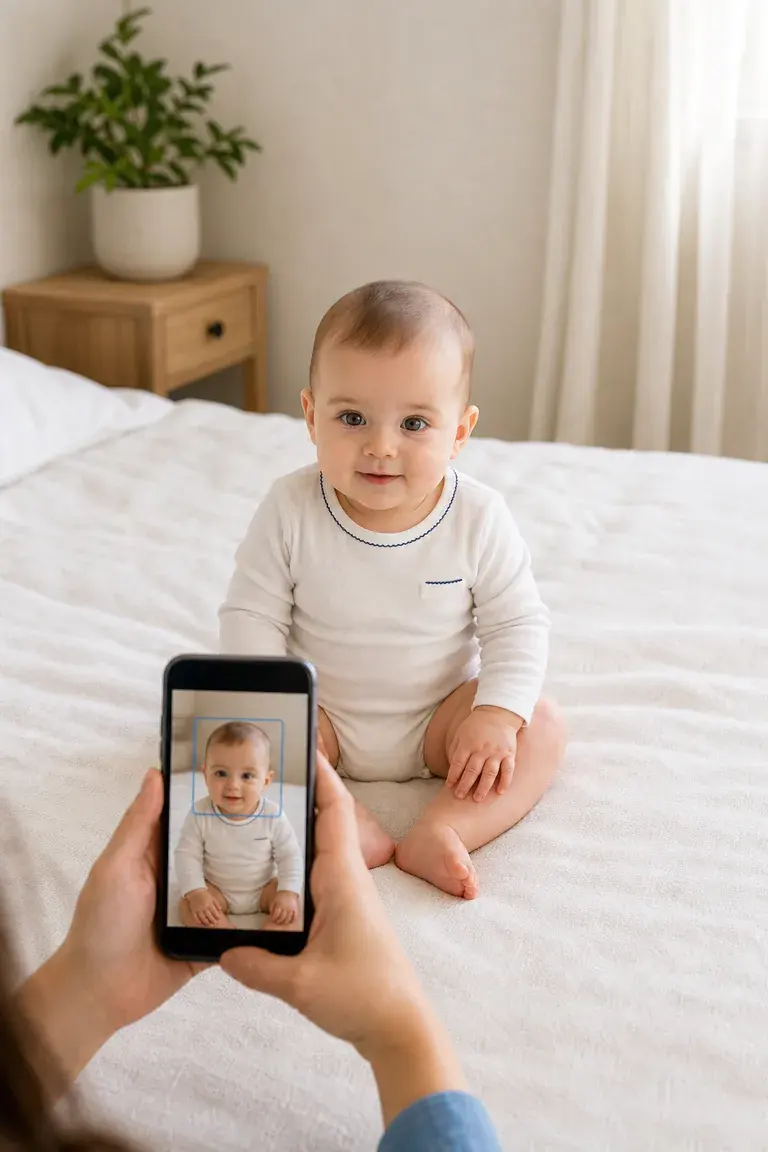
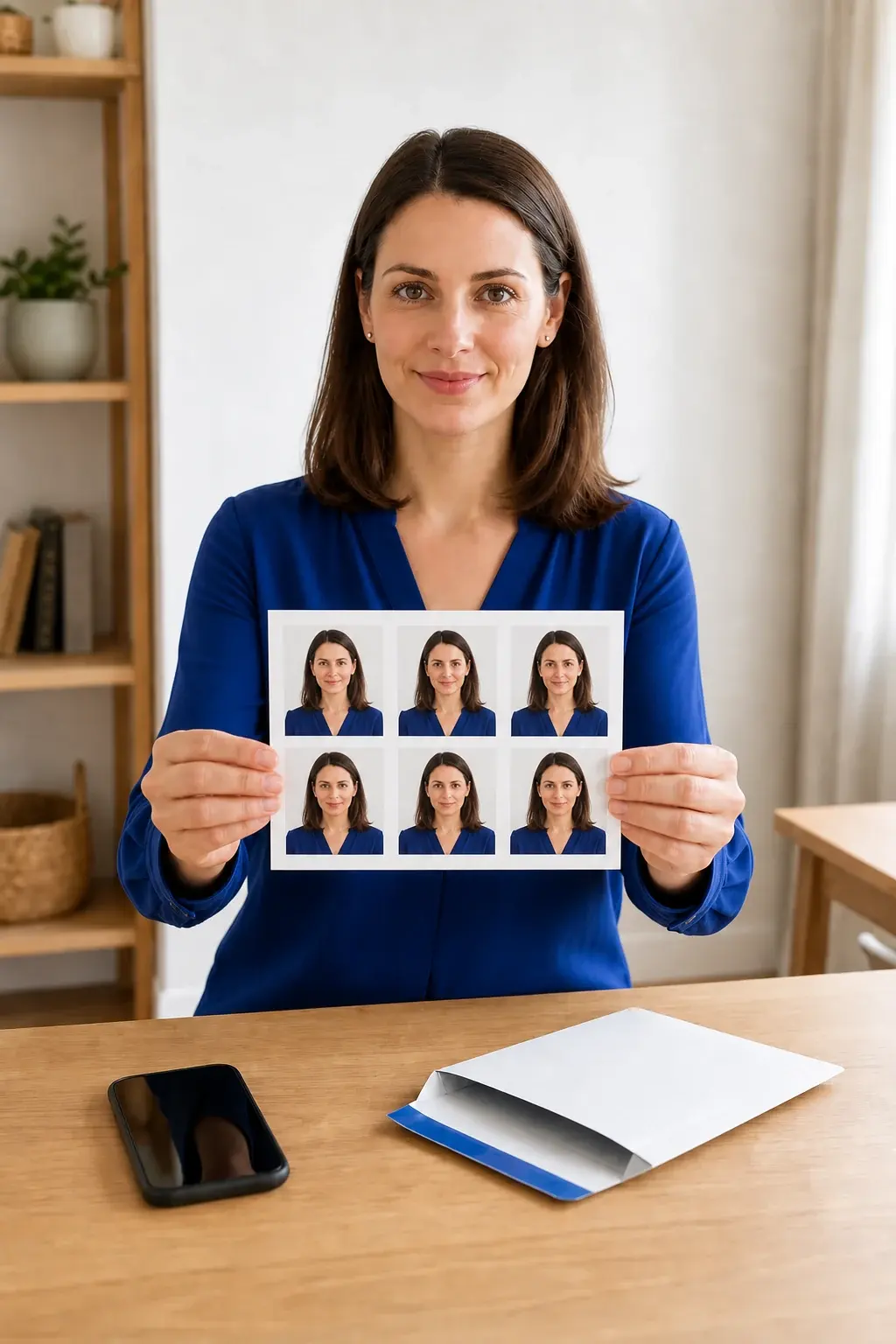
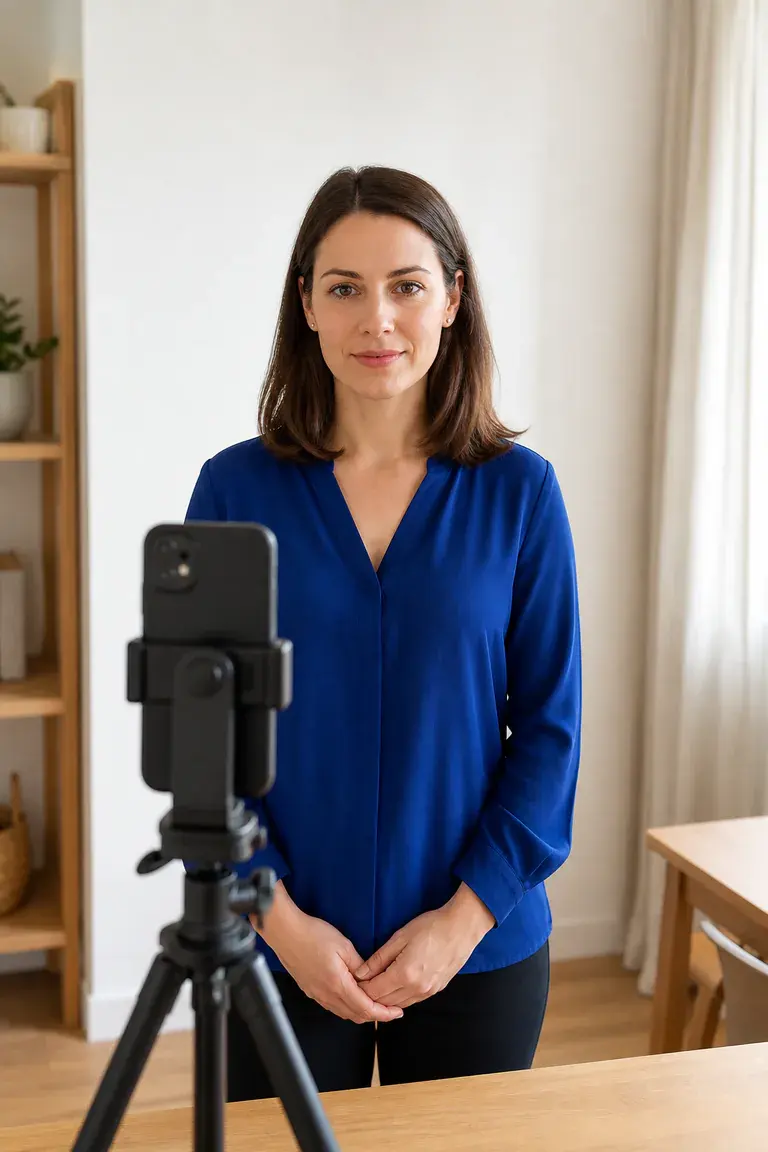
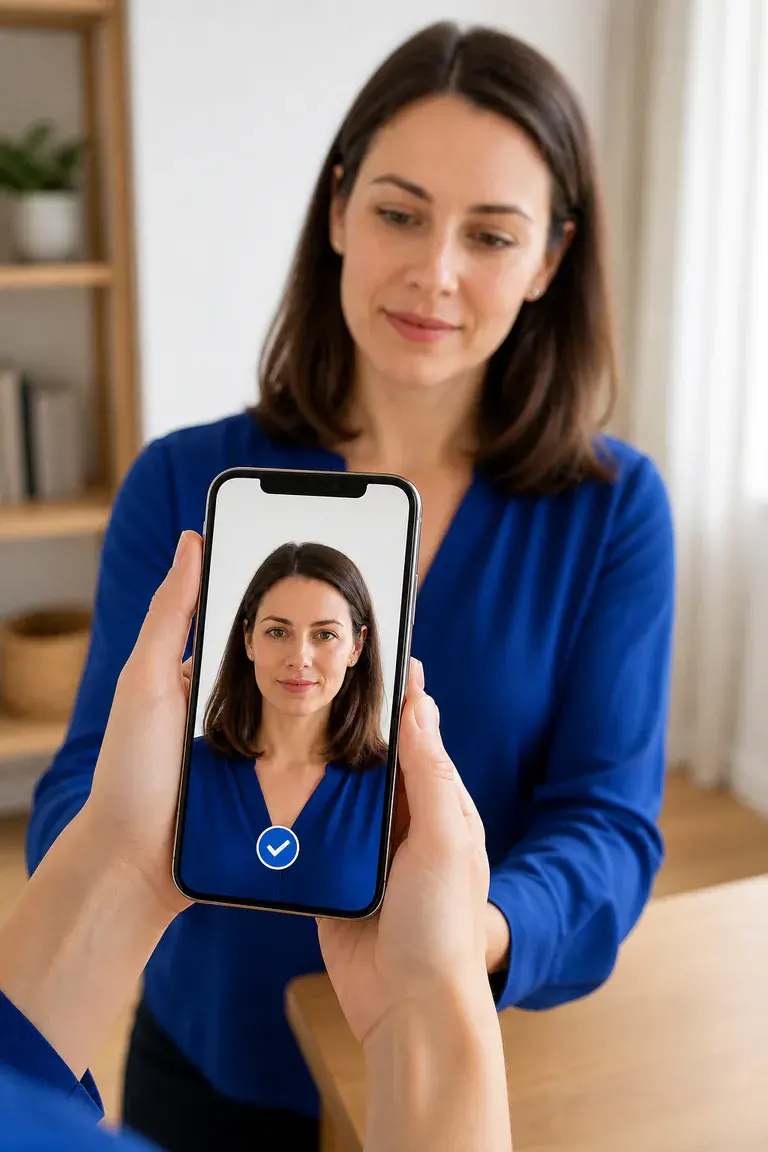
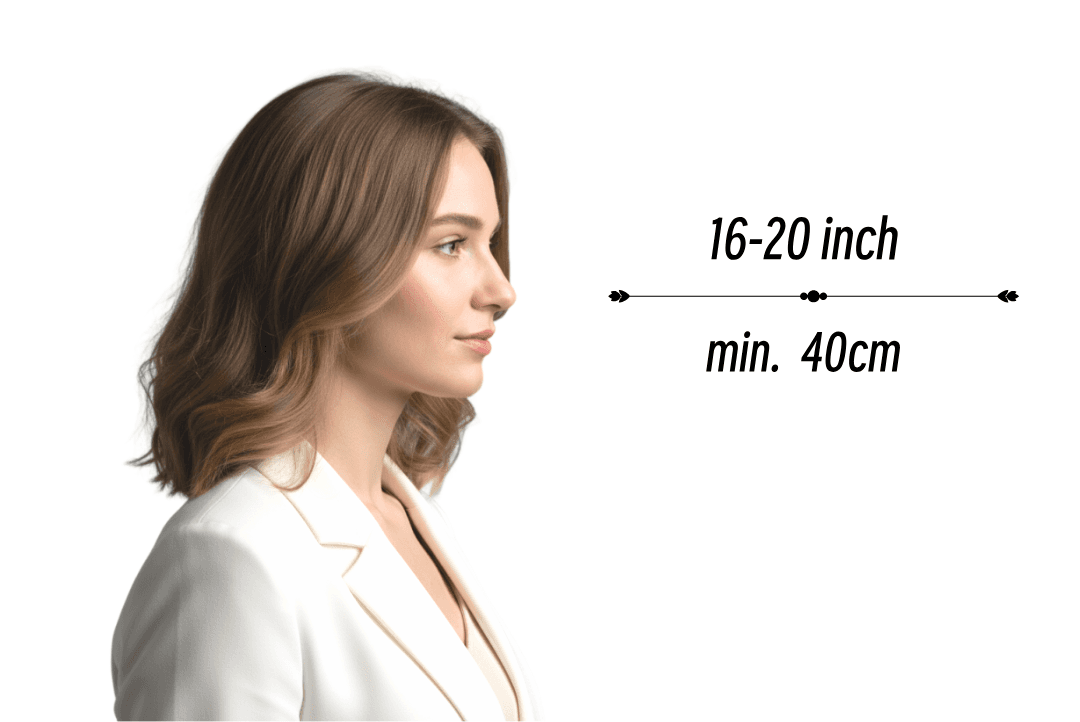
Use a plain, light-coloured background
Stand away from the background so there are no shadows behind your head. Keep other people and objects out of the passport photo.
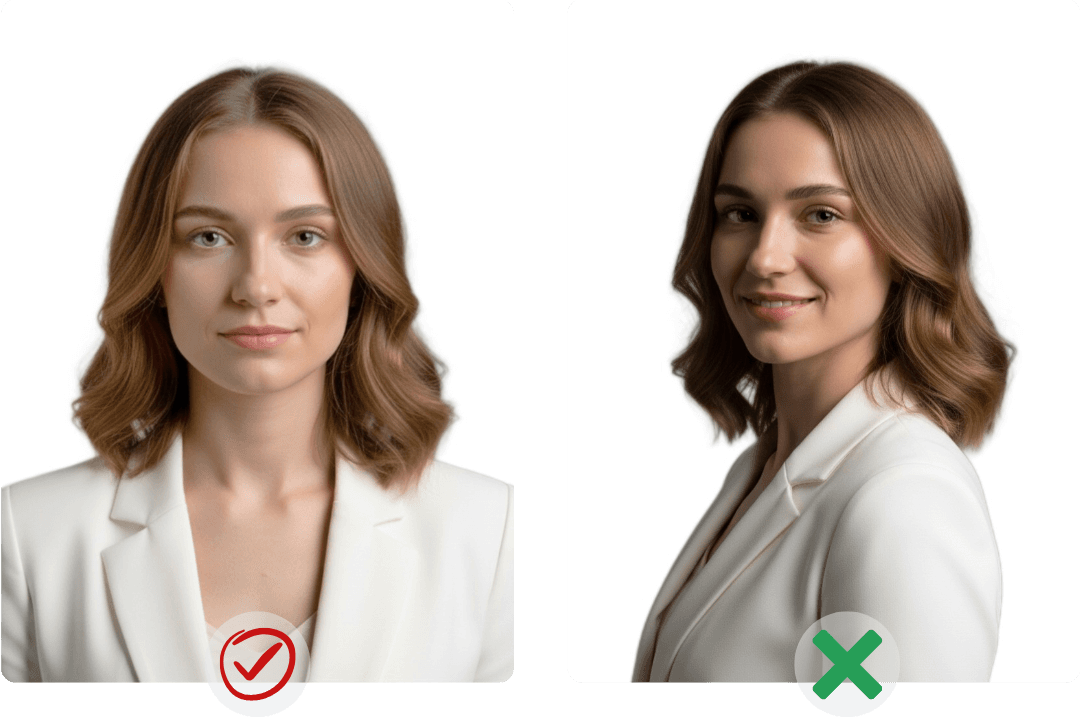
Face the camera with a neutral expression
Look straight at the camera, keep your mouth closed and make sure your eyes are open and clearly visible. Remove anything that covers your face.
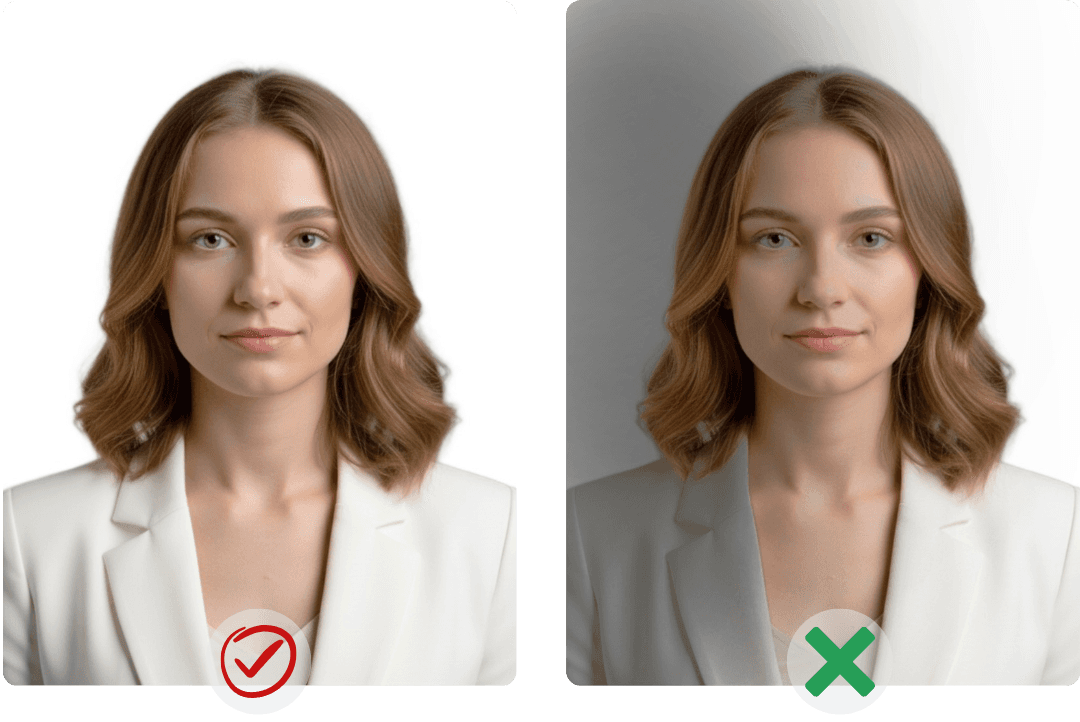
Use even lighting and keep the image unedited
Avoid glare, red-eye and shadows across the face. Do not use filters, background replacement or beauty retouching for a UK passport application.
UK Passport Photo Requirements
How to Take a Passport Photo at Home
Digital passport photo rules for UK applications
A UK digital passport photo should be recent, clear, unedited and taken in even light against a plain light-coloured background.
Passport Photo Guidance Used Worldwide
People use AnyIdPhoto passport photo tools and guides for digital files, printed layouts and supported passport, visa and ID formats.
"AnyIdPhoto answered 'passport photo is what size' instantly—every passport photo size, passport photo dimensions, and passport photo 2x2 template sits in one place, plus the passport photo generator let me export a passport photo digital file straight from their passport photo online studio."
"Instead of googling 'passport photo near me' or 'where passport photo taken,' I prep at home and print at passport photo locations near me—UPS, USPS, even a late-night passport photo machine—with one file covering both my Miami shoots and NYC renewal."
"The passport photo maker bundles passport photo guidelines, instructions, lighting tips, and glossy vs matte advice, then runs a passport photo quality check so every passport photo US submission meets the strict passport photo requirements USA."
"The passport photo app turned 'passport photo for infant' stress into a quick passport photo diy on iPhone; I previewed a passport photo for free, fixed passport photo glasses glare, smoothed passport photo bangs, and finished before nap time."
UK Passport Photo Requirements: Questions and Answers
Find answers about UK passport photo size, digital images, home capture, photo codes, printing and local passport photo services.

Where can I get a passport photo near me in the UK?
You can use a passport photo booth or local photo service when you need printed photos. For an online UK passport application, GOV.UK also lets you take an original digital photo with your own device during the application. Check each retailer's current service and opening hours directly.

What are the UK passport photo size requirements?
Printed UK passport photos must be 35 mm wide by 45 mm high. For an online application, use a clear original digital image and let the official passport service handle the crop instead of forcing it into a printed-photo template.

What are the UK rules for a newborn passport photo?
Children under six do not have to look directly at the camera or keep a neutral expression, and babies under one do not have to keep their eyes open. The child's face must still be visible, and no supporting hand may appear in the newborn passport photo.
Can I take a UK passport photo on an iPhone or Android phone?
Yes. For an online UK application, you can take an original passport photo with a phone or digital camera. Use even lighting and a plain light-coloured background, switch off filters and portrait effects, and do not crop or retouch the image before upload.
Can I make a passport photo online for a UK passport?
Use the official UK online passport service for a UK passport photo and submit an original, unedited image. Do not use an online editor to change the background, face or lighting. AnyIdPhoto remains available for other passport, visa and ID formats that permit automated preparation.
How do I print a UK passport photo at 35 × 45 mm?
For a paper application, each printed UK passport photo must measure exactly 35 × 45 mm and meet the official composition rules. Ask the printer not to resize, crop or enhance the image, and check the finished print with a ruler before submitting it.
What are the main UK passport photo requirements?
Use a recent colour photo with a clear, in-focus image, even lighting and a plain light-coloured background. Face the camera, keep a neutral expression and make sure your eyes are visible. Digital UK passport photos must be unedited and free from filters.

What is a digital passport photo code in the UK?
Some participating UK photo shops and booths provide a digital passport photo code that lets the passport service retrieve your image. If you take the photo yourself during an online application, you normally upload the original image directly. AnyIdPhoto does not issue a UK passport photo code.
UK Passport Photo Requirements: Questions and Answers
Find answers about UK passport photo size, digital images, home capture, photo codes, printing and local passport photo services.
Where can I get a passport photo near me in the UK?
You can use a passport photo booth or local photo service when you need printed photos. For an online UK passport application, GOV.UK also lets you take an original digital photo with your own device during the application. Check each retailer's current service and opening hours directly.
What are the UK passport photo size requirements?
Printed UK passport photos must be 35 mm wide by 45 mm high. For an online application, use a clear original digital image and let the official passport service handle the crop instead of forcing it into a printed-photo template.
What are the UK rules for a newborn passport photo?
Children under six do not have to look directly at the camera or keep a neutral expression, and babies under one do not have to keep their eyes open. The child's face must still be visible, and no supporting hand may appear in the newborn passport photo.
Can I take a UK passport photo on an iPhone or Android phone?
Yes. For an online UK application, you can take an original passport photo with a phone or digital camera. Use even lighting and a plain light-coloured background, switch off filters and portrait effects, and do not crop or retouch the image before upload.
Can I make a passport photo online for a UK passport?
Use the official UK online passport service for a UK passport photo and submit an original, unedited image. Do not use an online editor to change the background, face or lighting. AnyIdPhoto remains available for other passport, visa and ID formats that permit automated preparation.
How do I print a UK passport photo at 35 × 45 mm?
For a paper application, each printed UK passport photo must measure exactly 35 × 45 mm and meet the official composition rules. Ask the printer not to resize, crop or enhance the image, and check the finished print with a ruler before submitting it.
What are the main UK passport photo requirements?
Use a recent colour photo with a clear, in-focus image, even lighting and a plain light-coloured background. Face the camera, keep a neutral expression and make sure your eyes are visible. Digital UK passport photos must be unedited and free from filters.
What is a digital passport photo code in the UK?
Some participating UK photo shops and booths provide a digital passport photo code that lets the passport service retrieve your image. If you take the photo yourself during an online application, you normally upload the original image directly. AnyIdPhoto does not issue a UK passport photo code.
Need a Passport Photo Online?
Check the UK passport photo requirements first. For other supported passport, visa and ID formats, upload a photo and use AnyIdPhoto's online passport photo maker.
Need a Passport Photo Online?
Check the UK passport photo requirements first. For other supported passport, visa and ID formats, upload a photo and use AnyIdPhoto's online passport photo maker.