

Create an Australian Passport Photo Online
Create a passport photo online for an Australian passport or ID. Adjust the size, background and crop, then download a digital passport photo.
4.9/5
Customer satisfaction
100%
Compliance guarantee
200+
passport & ID formats
Trusted coverage from leading media
How to Make a Passport Photo Online
Use the Australian passport photo app in your browser: upload a photo, choose the document and let the tool adjust the dimensions, background and crop.
Take or upload a passport photo
Take a passport photo on your phone or upload a clear portrait already saved on your device.
Set the Australian passport photo size
The passport photo maker centres the face and adjusts the crop, background and Australian passport photo dimensions for the selected document.
Download a digital passport photo
Download the digital passport photo for a suitable online application, or save a print sheet for passport photo prints.
How to Make a Passport Photo Online
Use the Australian passport photo app in your browser: upload a photo, choose the document and let the tool adjust the dimensions, background and crop.
Take or upload a passport photo
Take a passport photo on your phone or upload a clear portrait already saved on your device.
Set the Australian passport photo size
The passport photo maker centres the face and adjusts the crop, background and Australian passport photo dimensions for the selected document.
Download a digital passport photo
Download the digital passport photo for a suitable online application, or save a print sheet for passport photo prints.
Why Use an Australian Passport Photo App?
AnyIdPhoto is an online passport photo maker: take a photo at home, adjust it and download a digital or printable version.
Australian Passport Photo Dimensions
Choose the document first, then prepare the image using the matching Australian passport photo size and face position.
Australian passport photo app for your phone
Upload a passport photo from iPhone or Android and turn it into a file for the Australian document you selected.
Download a digital passport photo
Use the digital passport photo for a suitable online application or download a print sheet for passport photo prints.
Australian passport photo requirements check
Check the size, background, crop and face position against the Australian passport photo guidelines for your selected document.
Why Use an Australian Passport Photo App?
AnyIdPhoto is an online passport photo maker: take a photo at home, adjust it and download a digital or printable version.
Australian Passport Photo Dimensions
Choose the document first, then prepare the image using the matching Australian passport photo size and face position.
Australian passport photo app for your phone
Upload a passport photo from iPhone or Android and turn it into a file for the Australian document you selected.
Download a digital passport photo
Use the digital passport photo for a suitable online application or download a print sheet for passport photo prints.
Australian passport photo requirements check
Check the size, background, crop and face position against the Australian passport photo guidelines for your selected document.
Australian Passport Photos Made at Home
Make a passport photo online and adjust the Australian passport photo size, background and crop for the document you select.
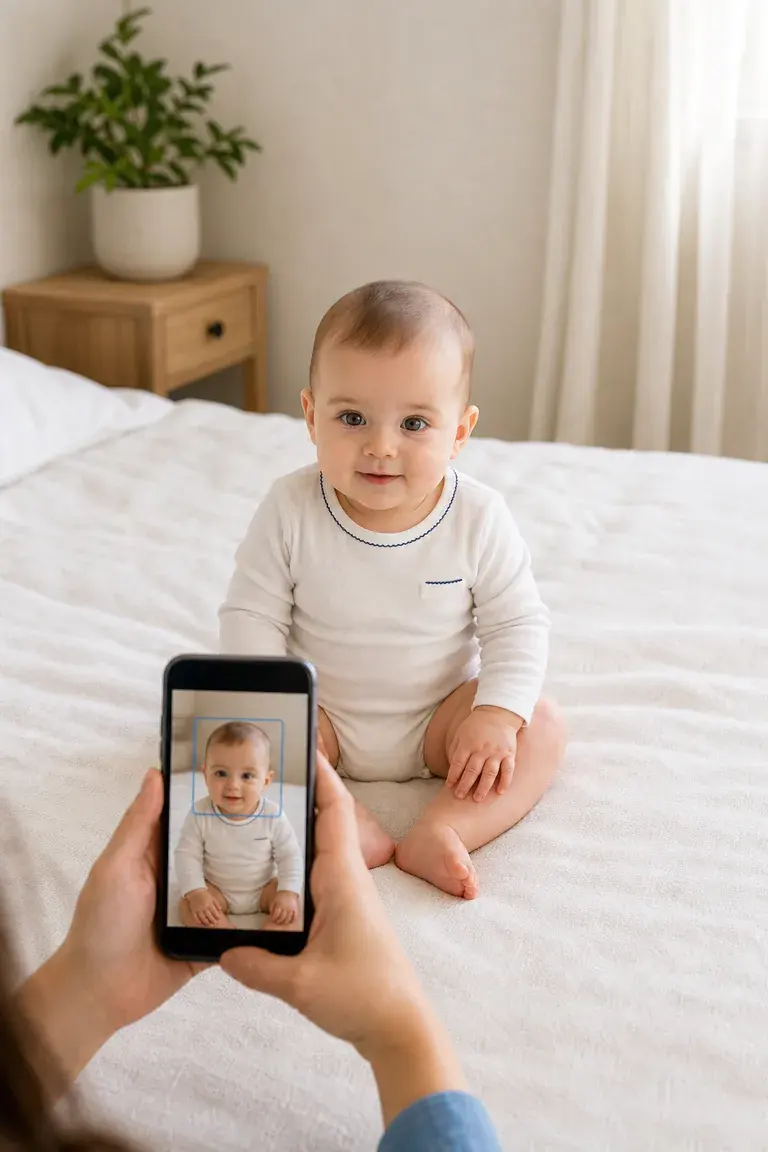
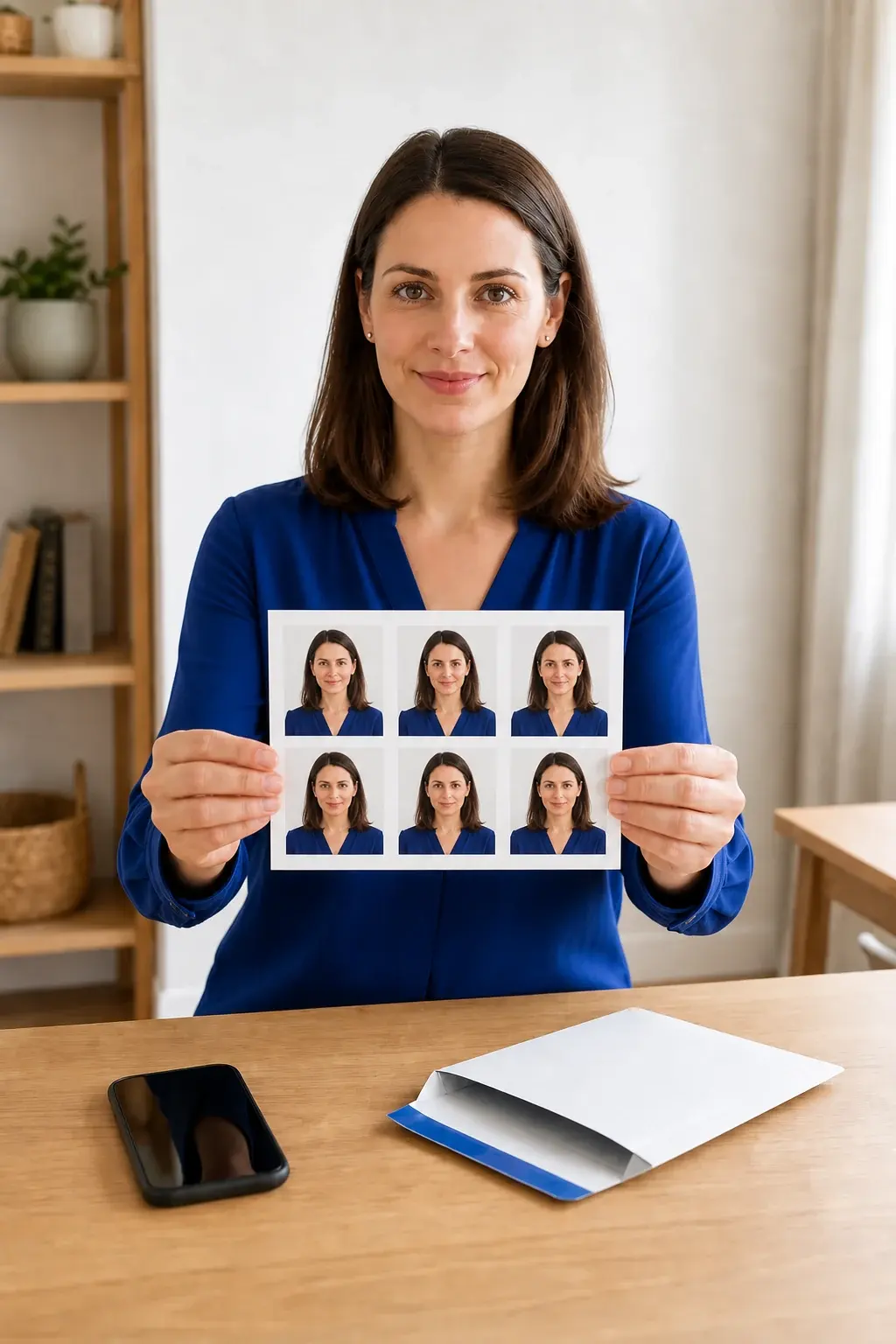
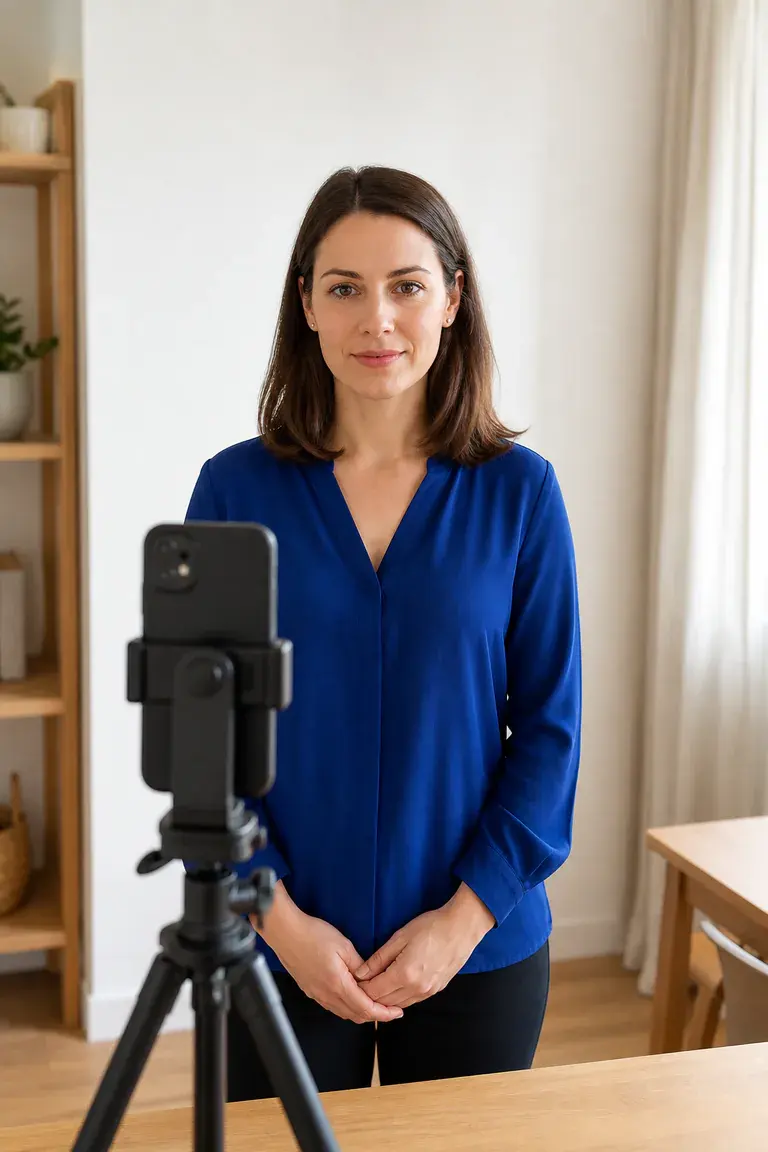
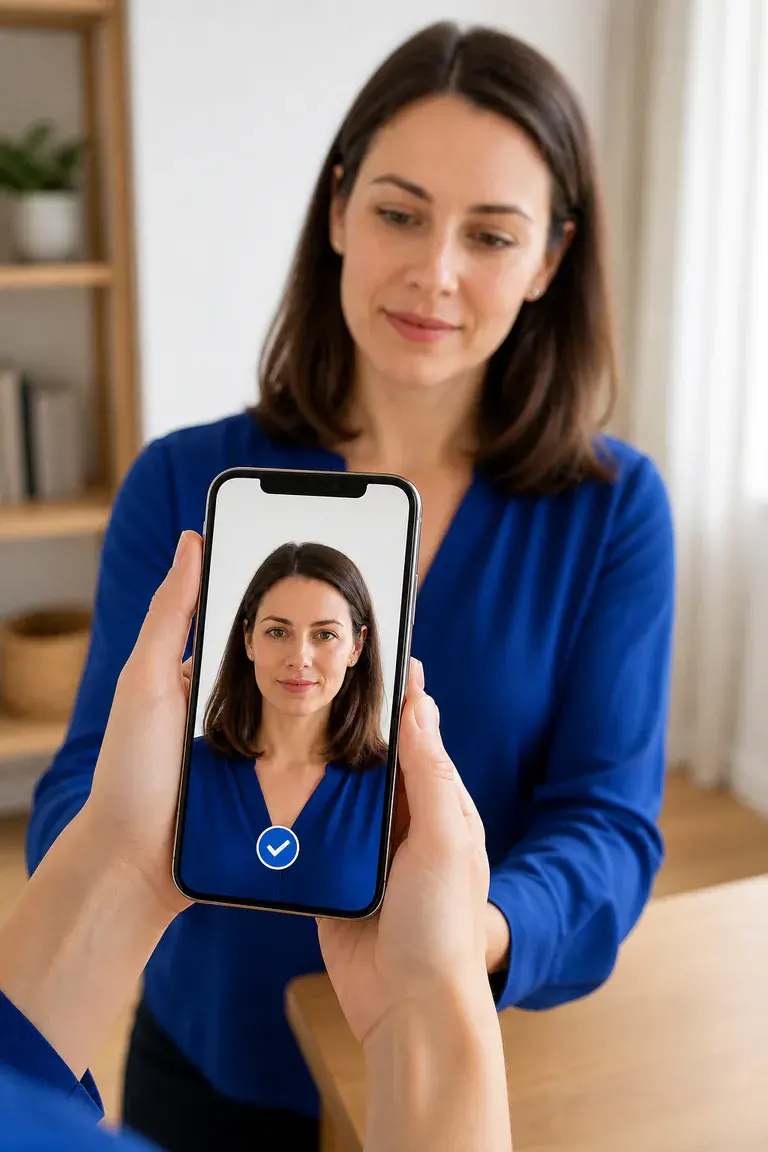
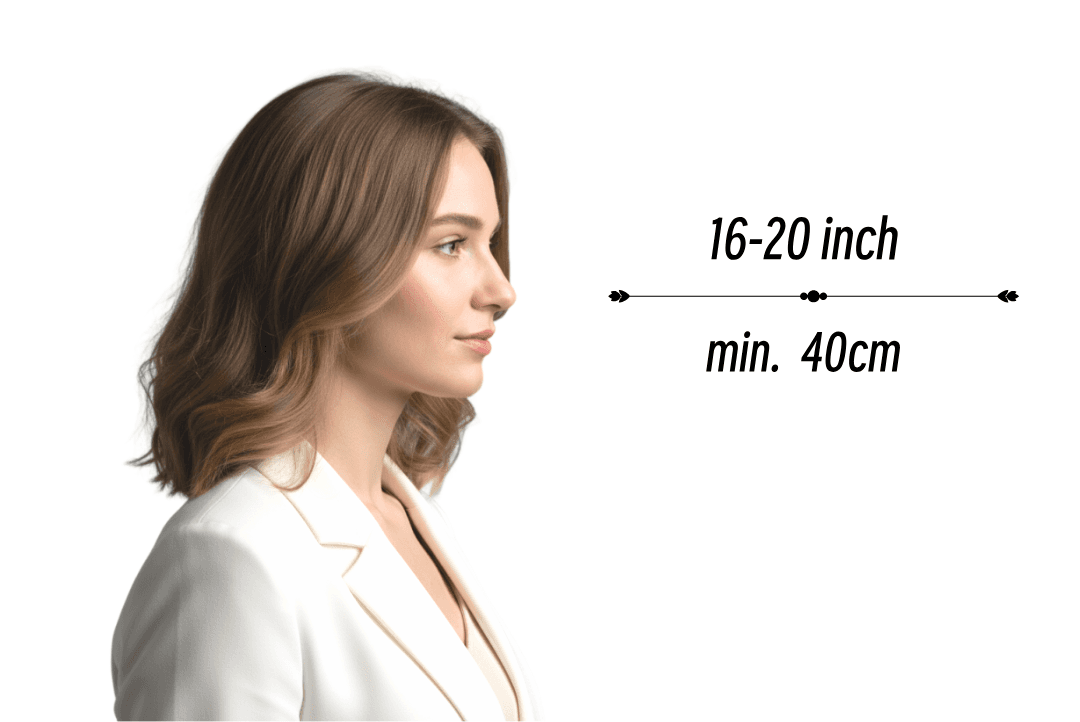
Frame your passport photo with room around the head
Keep the face centred and leave enough space around the head so the tool can crop to the required Australian passport photo dimensions.
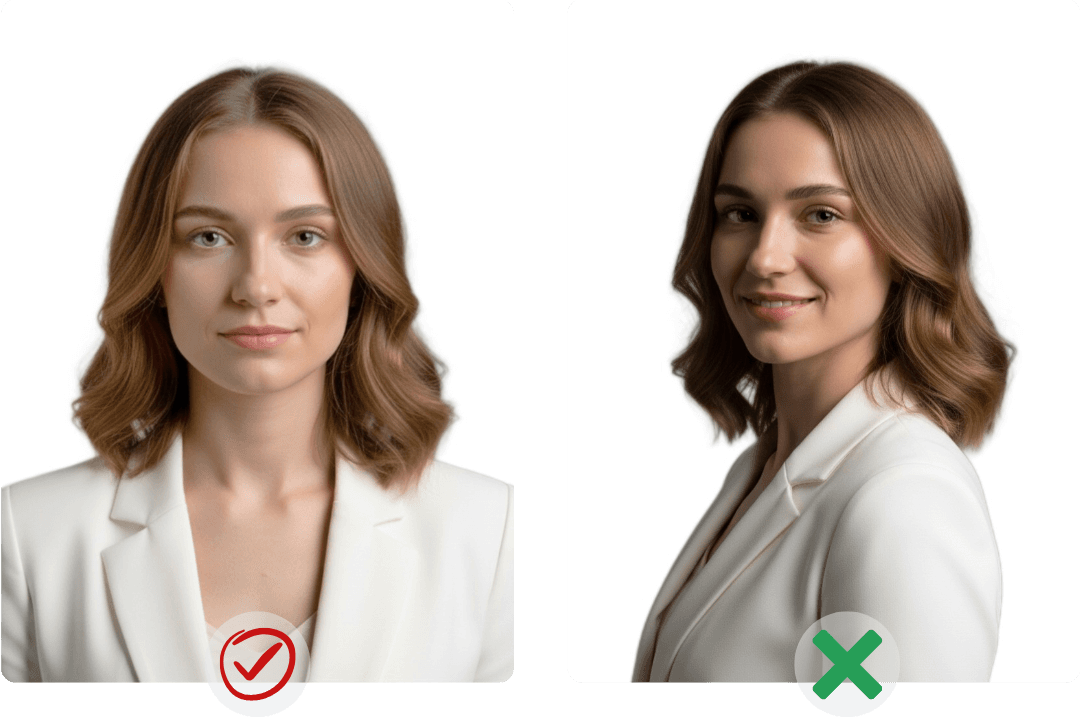
Face the camera for passport photo requirements
Keep your head straight, look at the lens and use a neutral expression to match the main Australian passport photo requirements.
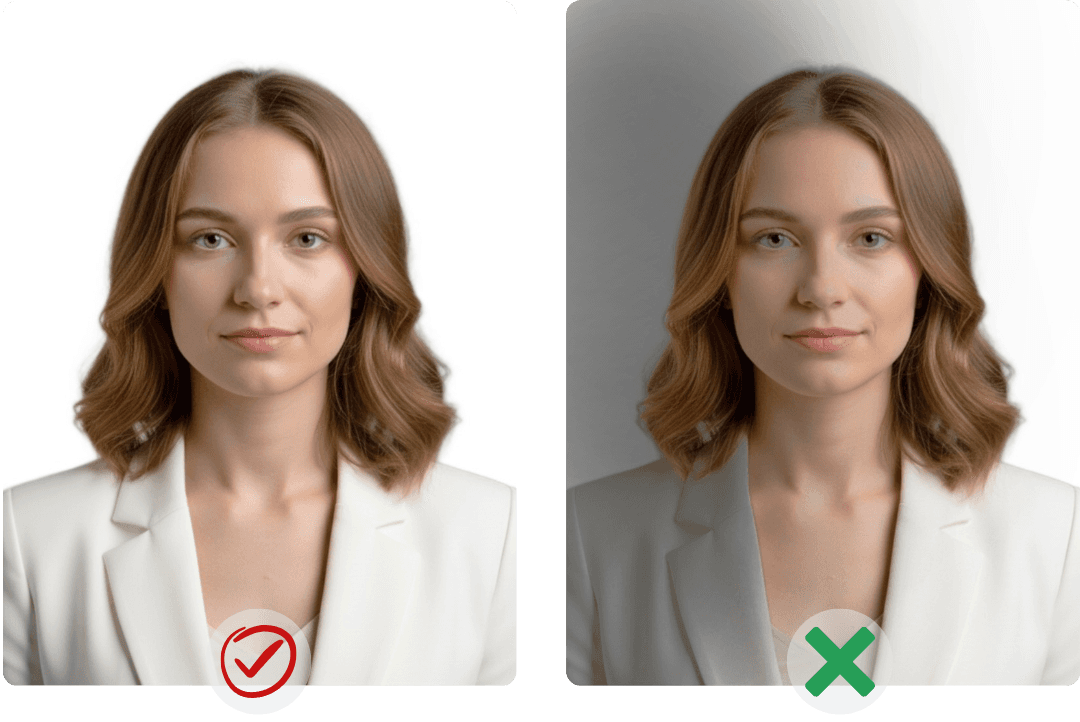
Light your passport photo evenly
Avoid hard shadows, backlighting and a busy setting. A clear Australian passport photo background makes the crop and checks easier.
Australian Passport Photo Guidelines
How to Take a Passport Photo at Home
Take a passport photo on your phone
Before you upload, check the lighting, face position and background against the Australian passport photo guidelines.
Loved for Fast Passport Photo Services Worldwide
Authentic stories from people using our passport photo app, passport photo diy workflow, and passport photo generator for compliant passport photo 2x2 and digital files.
"AnyIdPhoto answered 'passport photo is what size' instantly—every passport photo size, passport photo dimensions, and passport photo 2x2 template sits in one place, plus the passport photo generator let me export a passport photo digital file straight from their passport photo online studio."
"Instead of googling 'passport photo near me' or 'where passport photo taken,' I prep at home and print at passport photo locations near me—UPS, USPS, even a late-night passport photo machine—with one file covering both my Miami shoots and NYC renewal."
"The passport photo maker bundles passport photo guidelines, instructions, lighting tips, and glossy vs matte advice, then runs a passport photo quality check so every passport photo US submission meets the strict passport photo requirements USA."
"The passport photo app turned 'passport photo for infant' stress into a quick passport photo diy on iPhone; I previewed a passport photo for free, fixed passport photo glasses glare, smoothed passport photo bangs, and finished before nap time."
Australian Passport Photo Requirements and Size
Answers about Australian passport photo dimensions, guidelines, phone capture, digital downloads and printing.

How can I create an Australian passport photo online?
Upload a clear portrait, select the Australian document and let the passport photo maker adjust the size, background and crop.

What are the Australian passport photo size and dimensions?
Select the Australian passport option so the tool applies the matching Australian passport photo dimensions and crop.

Can I prepare an infant or newborn passport photo?
Yes. Take several shots, choose the clearest infant passport photo and leave room around the head for accurate cropping.

Can I use an Australian passport photo app on my phone?
Yes. Open the Australian passport photo app in your browser, take or upload a photo and review the crop before downloading.

What Australian passport photo requirements should I check?
Check the face position, expression, lighting, background and Australian passport photo size for the document you selected.

Can I download a digital passport photo and print it later?
Yes. Save the digital passport photo for online use or download the print sheet when you need passport photo prints.

What background should an Australian passport photo use?
Use even lighting and a clear background, then compare the result with the Australian passport photo guidelines for your application.

Where can I review Australian passport photo guidelines?
Use the Australian passport photo guidelines in the tool to review the size, crop and background before downloading.
Australian Passport Photo Requirements and Size
Answers about Australian passport photo dimensions, guidelines, phone capture, digital downloads and printing.
How can I create an Australian passport photo online?
Upload a clear portrait, select the Australian document and let the passport photo maker adjust the size, background and crop.
What are the Australian passport photo size and dimensions?
Select the Australian passport option so the tool applies the matching Australian passport photo dimensions and crop.
Can I prepare an infant or newborn passport photo?
Yes. Take several shots, choose the clearest infant passport photo and leave room around the head for accurate cropping.
Can I use an Australian passport photo app on my phone?
Yes. Open the Australian passport photo app in your browser, take or upload a photo and review the crop before downloading.
What Australian passport photo requirements should I check?
Check the face position, expression, lighting, background and Australian passport photo size for the document you selected.
Can I download a digital passport photo and print it later?
Yes. Save the digital passport photo for online use or download the print sheet when you need passport photo prints.
What background should an Australian passport photo use?
Use even lighting and a clear background, then compare the result with the Australian passport photo guidelines for your application.
Where can I review Australian passport photo guidelines?
Use the Australian passport photo guidelines in the tool to review the size, crop and background before downloading.
Create Your Australian Passport Photo Online
Upload a photo and use the passport photo maker to adjust the Australian passport photo size, background and crop.
Create Your Australian Passport Photo Online
Upload a photo and use the passport photo maker to adjust the Australian passport photo size, background and crop.